
One wrong download can land you in serious trouble. Using an unlicensed font in a client logo, grabbing a stock photo without checking terms, or downloading a template with hidden restrictions can lead to copyright claims, expensive fines, and damaged professional reputation. These aren’t hypothetical risks. Designers and small business owners face legal demands every year because they didn’t verify licensing before using assets in commercial projects. The solution isn’t avoiding free resources altogether, it’s knowing where to find legitimate free design resources for commercial use that come with clear permissions. When you work with properly licensed materials, you protect yourself, your clients, and your business from unnecessary legal headaches while still accessing quality visuals that make your work look professional without draining your budget.
Understanding What Free Design Resources for Commercial Use Really Mean
When we talk about free design resources for commercial use, we’re referring to visual elements like graphics, templates, mockups, fonts, illustrations, stock photos, and icons that come with explicit permission to use in paid projects. This means you can use them for client websites, product packaging, social media campaigns, merchandise, digital products, and anything else you’re getting compensated for. The key difference between personal and commercial licenses is simple: personal use covers hobby projects and personal blogs, while commercial use covers anything that generates income or promotes a business.
Many platforms offer free graphic design resources under Creative Commons Zero licenses, which essentially place the work in the public domain with no attribution required. Others might ask for credit but still allow full commercial freedom. Reading the license terms takes just a minute but saves you from potential copyright headaches down the road. Some designers learned this the hard way after using assets in client projects only to receive cease and desist letters months later. Taking the time to verify licensing isn’t paranoia, it’s just smart practice that protects both you and your clients.
Why Licensing Matters More Than You Think
Licensing might sound boring and technical, but it’s the foundation of ethical creative work. When you use design assets without proper permission, you’re essentially taking someone else’s hard work without compensation or acknowledgment. Beyond the moral implications, there are real legal consequences. Businesses have faced lawsuits over unlicensed font usage, photographers have successfully sued for unauthorized stock photo use, and design agencies have been forced to pull entire campaigns because of licensing violations. These situations aren’t just expensive, they damage professional reputations.
A famous example is the case of street artist Shepard Fairey, who created the iconic “Hope” poster for Barack Obama’s 2008 presidential campaign using an Associated Press photograph without permission. This led to a lengthy legal dispute that was eventually settled out of court, with Fairey agreeing to share profits. This case, detailed by sources like 99designs, is a powerful reminder that even transformative and politically significant work is not immune to licensing laws.
The good news is that finding legitimate free design resources for commercial use has never been easier. Creators and platforms increasingly understand that offering commercial licenses builds goodwill, expands their audience, and often leads to future paid work. Many designers offer free versions of their premium products as a way to showcase their skills. For users, this means access to high quality mockups, illustrations, UI components, and textures without any cost. Just remember that free doesn’t mean uncredited. Even when attribution isn’t required, acknowledging creators when possible is a kind gesture that supports the design community.
1. Free Graphics and Illustration Libraries Worth Bookmarking
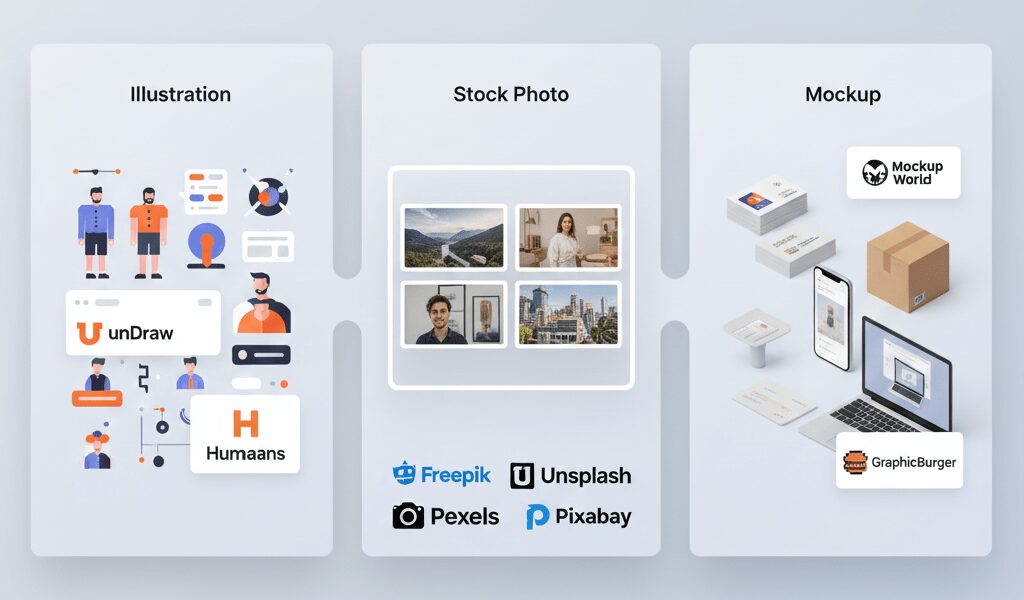
Illustration libraries have transformed the way we approach visual storytelling in digital design. Websites like unDraw offer customizable SVG illustrations that you can color match to your brand palette in seconds. These free graphic design resources are perfect for website headers, presentation slides, blog posts, and social media graphics. The beauty of SVG format is scalability. You can resize these illustrations without any loss in quality, which makes them ideal for everything from favicon designs to billboard mockups.
Another solid option is Humaaans, which provides modular illustrations of people that you can mix and match to create unique compositions. These work particularly well for explaining concepts, creating user personas, or adding human elements to otherwise technical content. Sites like these typically offer free design resources for commercial use under generous licenses, though it’s always worth checking the specific terms. When building out visual libraries for client projects or personal branding materials, having reliable sources for vectors and illustrations makes the creative process much smoother and less stressful.
2. Stock Photos and Visual Assets Without the Price Tag
Stock photography is one of the most commonly needed resources in design work, but subscription costs can add up quickly when you’re freelancing or running a lean operation. Thankfully, sites like Freepik, Unsplash, Pexels, and Pixabay have built massive communities of photographers who contribute high resolution images for free. These free graphic design resources websites host millions of photos covering every imaginable subject, from minimal workspace shots to dramatic landscape photography and authentic portraits of diverse people.
What makes these platforms particularly valuable is their search functionality and regular content updates. You can find images for specific industries, moods, and color schemes in minutes. Most photos on these platforms come with Creative Commons Zero licenses, meaning you can use them in client presentations, website designs, marketing materials, and print projects without worrying about royalties or attribution. The quality has improved dramatically over the years too. Many professional photographers now contribute to these platforms, so you’re getting images that rival paid stock libraries. Just be mindful that popular images can become overused, so try adding your own filters, cropping creatively, or combining multiple images to create something more unique.
3. Mockup Templates That Make Your Work Shine
Mockups are essential for presenting design concepts to clients in a professional, tangible way. Whether you’re showcasing a logo on business cards, displaying app interfaces on device screens, or presenting packaging designs on product photos, mockups bridge the gap between abstract design files and real world applications. Free design resources mockup libraries like Mockup World and GraphicBurger offer smart object templates for Photoshop that let you drop your designs into realistic scenes with proper lighting, shadows, and perspective.
These mockups cover everything from stationery sets and apparel to tech devices and storefront signage. For web and app designers, browser and phone mockups are particularly useful for portfolio presentations and client pitches. The best mockup resources include multiple angles and contexts, giving you flexibility in how you present work. Many of these are available as free graphic design resources for Photoshop users, though some also come in Figma and Sketch formats. Using professional mockups elevates your presentation quality significantly. Clients respond better to designs they can visualize in context rather than flat files on a white background.
4. Typography and Font Resources for Every Project Style
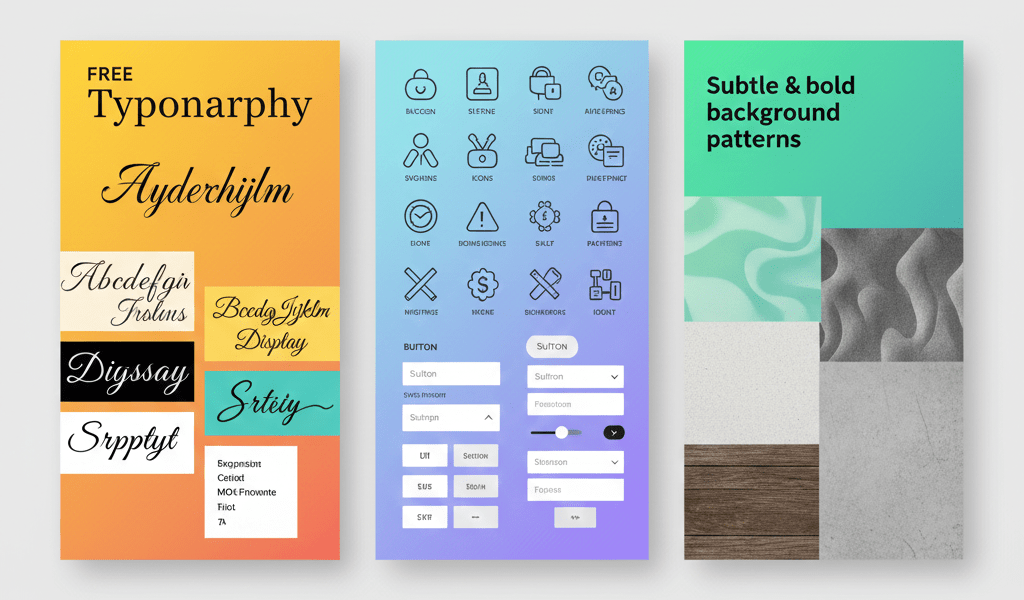
Fonts carry personality and tone in ways that many people don’t consciously notice but definitely feel. The right typeface can make a luxury brand feel premium or a tech startup seem approachable and modern. Finding free design resources fonts that are cleared for commercial use used to be surprisingly difficult, but platforms like Google Fonts, Font Squirrel, and DaFont have made quality typography accessible to everyone.
Google Fonts is particularly reliable because every font in their library comes with an open source license that explicitly allows commercial use. The collection includes hundreds of typefaces across all categories: serif, sans serif, display, handwriting, and monospace. Font Squirrel focuses on curating high quality free fonts and provides clear licensing information for each one. When browsing free design resources fonts, pay attention to whether the license covers web use, app embedding, or print, as some fonts have different terms for different applications. Also consider downloading font pairing tools or guides that help you combine typefaces effectively. Typography can make or break a design, so investing time in building a versatile font library pays off across every project you touch.
5. Icon Sets and UI Components for Digital Projects
Icons are the unsung heroes of user interface design. They guide users through apps, break up text heavy content, and communicate concepts instantly across language barriers. Free system design resources often include comprehensive icon libraries that cover common actions, objects, and concepts. Platforms like Font Awesome, Feather Icons, and The Noun Project offer thousands of icons in consistent styles that you can customize with CSS or design software.
Many of these icons come in multiple formats, including SVG, PNG, and icon fonts, giving you flexibility depending on your project needs. SVG format is generally preferred for web projects because of its scalability and small file size. When searching for icons, consistency in stroke weight and corner radius helps maintain visual coherence across your interface. Some icon libraries also include animation options, which can add polish to loading states, button interactions, and micro animations. Whether you’re designing a website, mobile app, or digital dashboard, having reliable sources for free design resources makes building intuitive interfaces much faster and more efficient.
6. Background Textures and Pattern Libraries
Backgrounds might seem like minor details, but they set the visual foundation for everything else in your design. Subtle textures can add depth and warmth to otherwise flat designs, while bold patterns make statements in headers, social media posts, and promotional materials. Subtle Patterns is a beloved resource offering hundreds of tileable patterns that work beautifully as website backgrounds, presentation slides, and print materials. These patterns are understated enough to support content without overwhelming it.
For more varied options, sites like Pexels and Pixabay also include texture categories with photos of wood grain, concrete, fabric, paper, and natural materials that make excellent backgrounds or overlay elements. These free graphic design resources websites typically offer these textures under permissive licenses that allow you to use them in commercial work without attribution. Designers often build personal libraries of go to textures for different project types: weathered paper for vintage aesthetics, clean geometric patterns for modern brands, and organic textures for natural or wellness focused designs. Having a diverse collection means you can quickly find the right backdrop for any mood or message you’re trying to convey.
7. Template Collections for Faster Project Turnaround
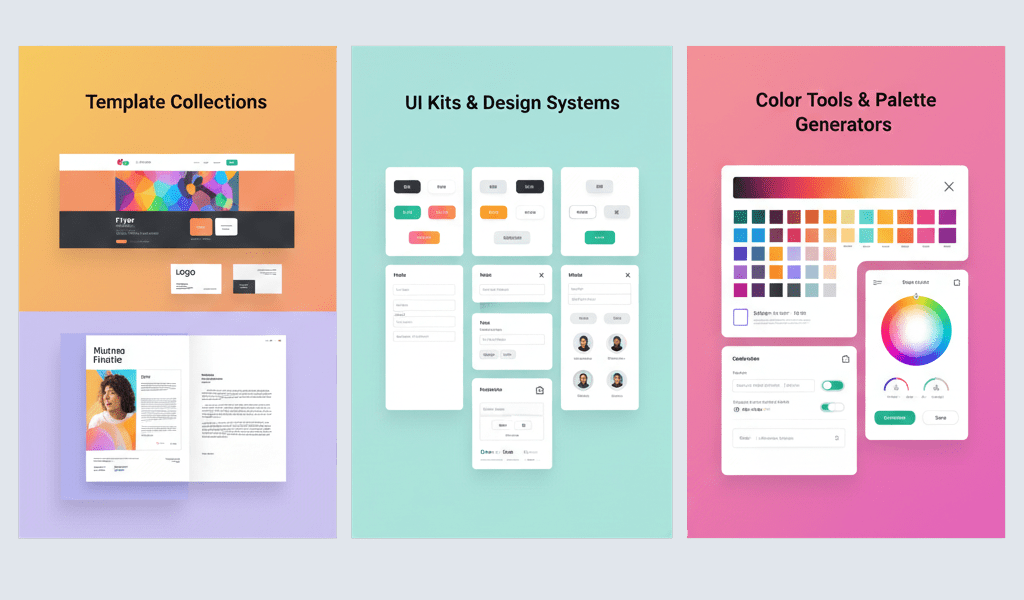
Templates are often misunderstood as shortcuts for lazy designers, but that’s not giving them enough credit. Well designed templates provide solid foundations that you can customize to fit specific project needs, dramatically reducing the time spent on repetitive layout work. Free web design resources include HTML templates, WordPress themes, landing page layouts, and email newsletter designs that you can adapt for client projects or personal brands.
Platforms like HTML5 UP and Colorlib offer responsive website templates built with clean code and modern design principles. GD Graphic offers a different approach by providing pre-made, customizable design templates instead of illustration libraries. Their collection includes ready to use PSD files for logos, business cards, flyers, brochures, and website designs that you can download and customize according to your brand requirements. These aren’t general purpose vectors, icons, or font collections, but practical starting points specifically designed for print and digital marketing materials.
For presentation work, sites like Slides Carnival provide Google Slides and PowerPoint templates with coordinated color schemes and professional layouts. The key with templates is customization. Change colors to match brand guidelines, swap out fonts, replace placeholder images with relevant photography, and adjust layouts to fit your content. A template should feel like a starting point rather than a finished product. When used thoughtfully, templates help you deliver quality work faster, giving you more time for strategic thinking and client communication instead of pushing pixels.
8. UI Kits and Design Systems for Consistent Interfaces
User interface kits are comprehensive packages that include buttons, form fields, navigation elements, cards, modals, and other components styled in a cohesive visual system. These free design resources save enormous amounts of time when designing websites or applications because you’re starting with a complete set of building blocks rather than creating each element from scratch. Platforms like UI8, Sketch App Sources, and Figma Community host thousands of UI kits in various styles, from minimal and clean to bold and expressive.
Many of these kits come in multiple design tool formats, including Sketch, Figma, Adobe XD, and Photoshop, so you can work in whichever environment you prefer. Some focus on specific industries like fintech, healthcare, or e-commerce, offering components tailored to those contexts. Others provide complete design systems with detailed documentation on spacing, typography scales, color palettes, and component behavior. When evaluating UI kits, consider whether they include both light and dark mode versions, responsive breakpoints, and interactive states like hover and active. Good UI kits maintain internal consistency and follow established design conventions, which helps create interfaces that feel familiar and intuitive to users.
9. Color Tools and Palette Generators
Color selection can make or break a design, yet choosing harmonious palettes isn’t always intuitive. Color tools help you explore combinations, test contrast ratios for accessibility, and generate schemes based on color theory principles. Coolors is a popular palette generator that lets you lock colors you like while randomizing others until you find a combination that works. Adobe Color offers similar functionality with the added benefit of creating palettes from uploaded images.
For accessibility focused work, tools like Contrast Checker help ensure your color choices meet WCAG standards for text readability. This is increasingly important as legal requirements around digital accessibility become more common. Some designers build personal libraries of saved palettes for different moods: energetic and bright for youth brands, muted and sophisticated for luxury products, earthy and warm for organic companies. Having these reference palettes ready speeds up the initial concept phase of projects. While not visual assets in the traditional sense, color tools function as essential free graphic design resources that inform every other design decision you make.
10. Build Your Toolkit and Create with Confidence
Finding quality free design resources for commercial use is just the beginning. The real value comes from organizing these resources into a personal system that supports your workflow and protects you legally. Create bookmark folders separated by asset type, build template files pre-loaded with your favorite fonts and components, and maintain notes about licensing terms for each resource you use regularly. This organized approach saves time on every project and ensures you’re always working within legal boundaries.
Remember that ethical use of free resources strengthens the entire design community. Credit creators when possible, share helpful resources with other designers, and consider contributing your own work when you’re able. The generosity that makes these platforms possible thrives when users respect licensing terms and support the people behind the assets. As your skills and client base grow, you’ll naturally invest in premium resources for specific needs, but a solid foundation of trusted free design resources for commercial use will always remain valuable. Keep exploring new platforms, verify licenses before using any asset, and approach each project knowing you have the tools and knowledge to create professional work without legal worries or budget constraints.