Super Delicious Burger Post Free Download
 VECTOR SOURCE
Asset Overview & Description
In the realm of social media where eye-catching imagery reigns supreme, a well-crafted burger post has the power to captivate audiences and ignite cravings with its mouthwatering allure. From succulent patties to melty cheese and an array of vibrant toppings, every element of a burger post contributes to its visual appeal and tantalizing effect. Join us at GD Graphic as we explore the art of designing a super delicious burger post that leaves followers drooling and eager for a bite.
Key Highlights & Fast Facts
- Universal Appeal: Burgers evoke comfort, indulgence, and satisfaction across all social media audiences.
- Visual Focus: High-resolution imagery and vibrant colors make patties, cheese, and toppings stand out.
- Engagement: Pair mouthwatering visuals with descriptive copy and clear calls-to-action for maximum interaction.
Understanding The Irresistible Allure Of Burgers
Burgers are more than just a meal; they’re a culinary phenomenon—a symphony of flavors and textures that evoke feelings of comfort, indulgence, and satisfaction. Whether it’s a classic cheeseburger, a gourmet creation, or a vegan masterpiece, burgers have an inherent ability to tantalize taste buds and stir up cravings like few other foods can. When designing a burger post, it’s essential to tap into this universal appeal and showcase the burger in all its mouthwatering glory.
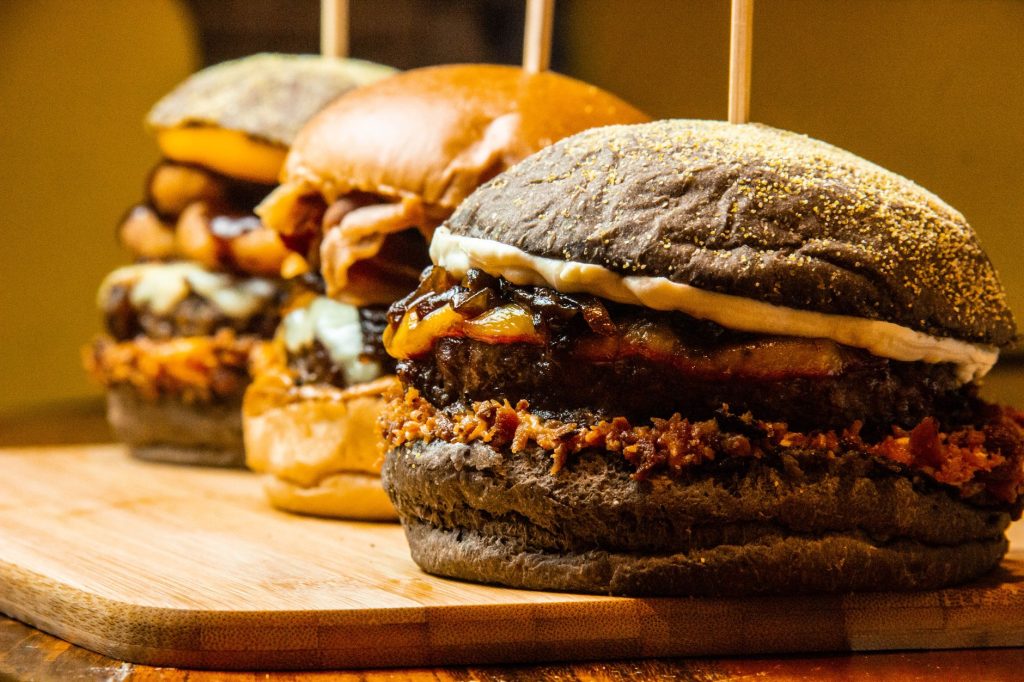
Key Ingredients Of A Super Delicious Burger Post
To create a burger post that stands out on social media and leaves a lasting impression, consider incorporating the following key ingredients:
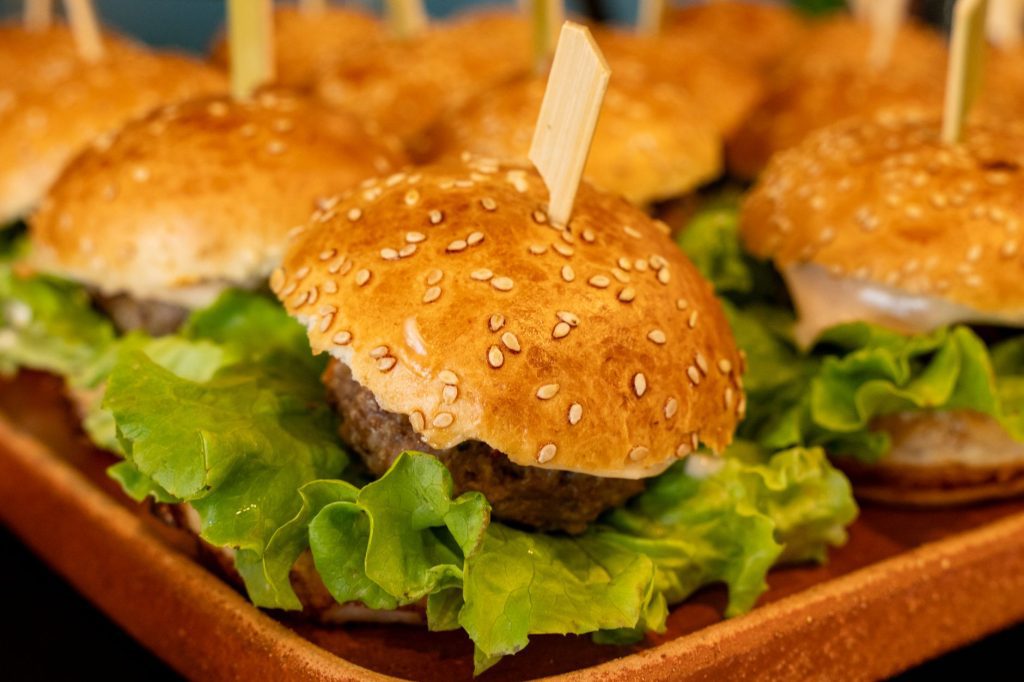
- Visual Feast: Start with a high-quality, appetizing image of the burger that showcases its deliciousness and freshness. Ensure that the burger is the focal point of the image with each layer of ingredients clearly visible and inviting.
- Irresistible Composition: Arrange the burger and its toppings in a visually appealing manner, making sure to highlight the juiciness of the patty, the ooey-gooeyness of the cheese, and the crispness of the lettuce. Experiment with different angles and perspectives to find the most enticing composition.
- Vibrant Colors: Use a vibrant color palette to make the burger pop off the screen and grab viewers’ attention. From the rich red of ripe tomatoes to the vibrant green of fresh lettuce, every color should contribute to the overall visual appeal of the post.
- Engaging Copy: Pair your mouthwatering image with engaging copy that describes the burger in vivid detail. Use descriptive language to evoke the sensory experience of biting into a juicy burger and consider including a call-to-action to encourage interaction and engagement.
| Feature | Specification |
|---|---|
| Asset Type | Social Media Graphic / Template |
| File Formats | .AI, .EPS, .SVG, .PSD, .PNG |
| Compatibility | Adobe Illustrator, Photoshop, Canva, Free Online Design Tools |
| Resolution | High-Resolution 300 DPI (Optimized for Instagram, Facebook, and Pinterest) |
Crafting Your Super Delicious Burger Post
Now let’s walk through the step-by-step process of crafting a super delicious burger post for your brand or client:
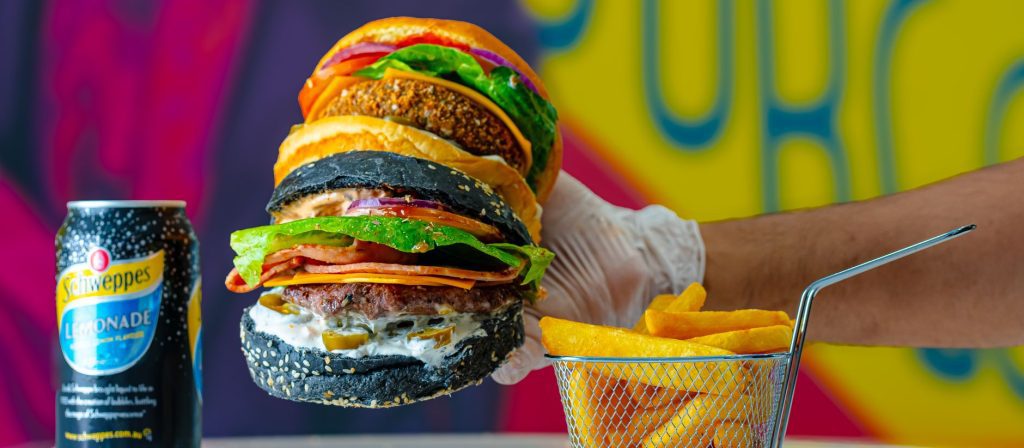
- Select The Perfect Burger
Choose a burger that embodies the essence of deliciousness and aligns with your brand or theme. Whether it’s a classic burger, a gourmet creation, or a plant-based option, ensure that it looks irresistible and appetizing.
- Set The Stage
Arrange your burger on a clean, neutral background that allows it to take center stage. Consider adding complementary props or garnishes to enhance the visual appeal and create a sense of ambiance.
- Capture The Moment
Take multiple photos of the burger from various angles, making sure to capture all its mouthwatering details. Experiment with different lighting conditions and camera settings to find the perfect shot.
- Edit And Enhance
Use photo editing software or GD Graphic’s free online design tools to fine-tune your image and enhance its visual appeal. Adjust the brightness, contrast, and saturation to make the colors pop.
- Add Compelling Copy
Write engaging copy that complements the image and entices viewers to take action. Use descriptive language to describe the flavors and textures of the burger.
When designing food graphics for small business clients, always leave negative space around the edges of the post so that social media platform UI elements (like usernames and like buttons) do not obscure crucial details of the burger.
Conclusion: Tempting Taste Buds One Bite At A Time
Designing a super delicious burger post is all about capturing the essence of this beloved culinary delight and presenting it in a way that tantalizes taste buds and sparks cravings. By paying attention to visual composition, color palette, and engaging copy, you can create burger posts that stand out on social media and leave followers drooling in anticipation. So fire up the grill, assemble your ingredients, and get ready to craft burger posts that are sure to make mouths water and earn double taps from hungry followers.
What file formats are included in the free burger post templates?
Our free templates typically include vector and raster formats such as .AI, .EPS, .PSD, and high-resolution .PNG files suitable for all major social media platforms.
Can I use these templates for commercial food business clients?
Yes! All free templates and design assets provided by GD Graphic can be used for both personal projects and commercial client work without attribution.
Do I need advanced software to edit the burger post designs?
Not at all. While professional formats like Adobe Photoshop and Illustrator are supported, you can also easily customize our templates using free online design tools.
| File Formats | .AI (Adobe Illustrator), .EPS (Vector), .SVG, .PNG Preview |
|---|---|
| Resolution / Quality | Vector Scalable (Infinite Resolution) • 300 DPI Print Ready |
| Layer Organization | Fully Layered, Organized Groups, Editable Text & Vectors |
| Usage License | 100% Free Forever (Personal & Commercial Projects) |
| Compatibility | Adobe Illustrator, Photoshop, Figma, CorelDraw, Inkscape, Affinity Designer |


