
Crafting A Technology Business Flyer Design
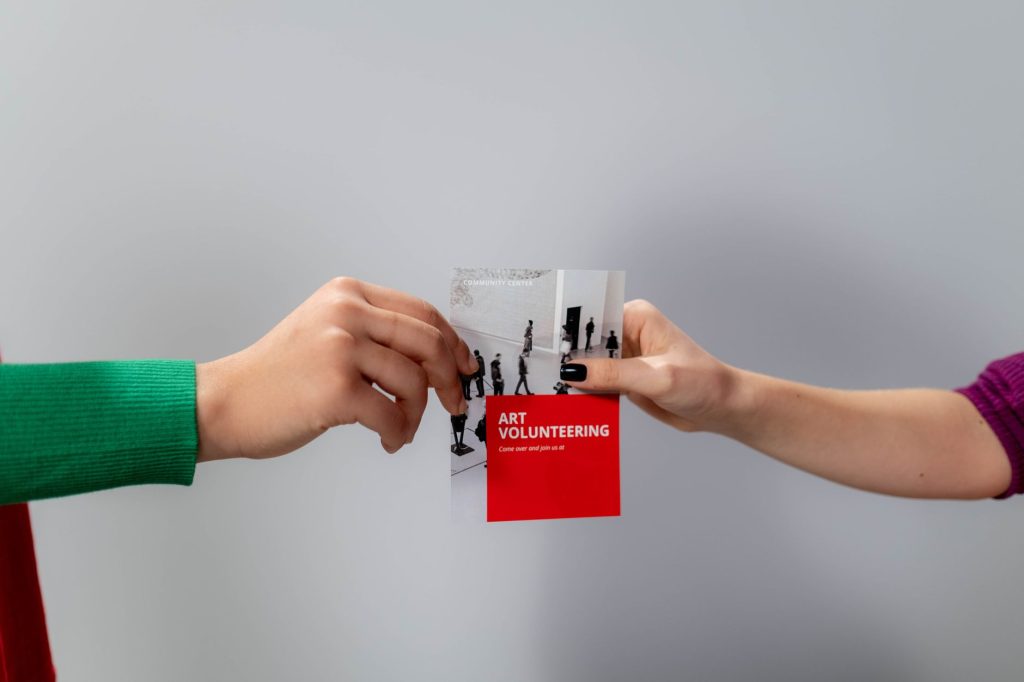
In the fast-paced world of technology, effective communication is key to standing out in a crowded marketplace. A well-designed flyer serves as a powerful marketing tool to showcase your technology business’s products, services, and expertise. It captures attention, communicates value, and invites engagement from your target audience. In this guide, we’ll explore the essential elements and considerations for crafting a compelling technology business flyer design that captivates, informs, and inspires action.
Key Highlights & Fast Facts
- Strategic Focus: Define clear objectives and target audiences before starting.
- Visual Theme: Utilize futuristic lines, sleek metallic accents, and high-tech imagery.
- Content Value: Showcase core products and leverage credible customer testimonials.
- Conversion: Include prominent calls-to-action (CTAs) and optimize for print and digital channels.
Define Your Objectives And Audience
Before diving into the design process, clarify the objectives of your flyer campaign and identify your target audience. Consider the following questions:

- What specific products, services, or promotions do you want to highlight in your flyer?
- Who is your target audience? Are they consumers, businesses, or a specific industry niche?
- What action do you want your audience to take after viewing the flyer? (e.g. visit your website, contact your sales team, attend an event)
Understanding your objectives and audience will help shape the messaging, design elements, and call-to-action of your technology business flyer.
- Step 1: Define Objectives
Determine what products, promotions, or services to highlight and the desired user action.
- Step 2: Choose a Visual Theme
Select modern, high-tech aesthetics that align with your brand identity.
- Step 3: Highlight Key Offerings
Incorporate product renderings, feature lists, and QR codes for quick digital access.
- Step 4: Add Social Proof
Build trust with authentic customer testimonials and partner logos.
- Step 5: Integrate a Clear CTA
Drive conversions with prominent, actionable instructions and contact info.
Choose A Compelling Visual Theme
The visual theme of your flyer should align with your brand identity and resonate with your target audience. Consider incorporating elements that convey innovation, technology, and progress. Some ideas include:
- Futuristic designs with sleek lines, metallic accents, and geometric shapes.
- High-tech imagery such as circuit boards, binary code, or futuristic cityscapes.
- Vibrant colors and gradients that evoke energy, excitement, and creativity.
- Clean and modern typography that enhances readability and reinforces your brand message.
Choose a visual theme that not only captures attention but also communicates the unique value proposition of your technology business.
Always maintain a clean visual hierarchy. Use contrasting weights in your typography to guide the reader’s eye naturally from the headline to the key benefits and finally to the call-to-action.
Highlight Key Products Or Services
Focus on showcasing your technology products or services in a clear and concise manner. Use compelling visuals, brief descriptions, and prominent headlines to highlight key features, benefits, and use cases. Consider including:

- High-quality product images or renderings that demonstrate functionality and design.
- Bullet points or brief descriptions that highlight key features, specifications, or unique selling points.
- QR codes or shortened URLs that direct viewers to additional information, product demos, or online resources.
Keep the messaging concise and focused on the most compelling aspects of your offerings to maintain the viewer’s interest and encourage further exploration.
| Feature | Specification |
|---|---|
| File Formats | .AI, .EPS, .SVG, .PDF, .JPEG |
| Color Mode | CMYK (Print) / RGB (Digital) |
| Resolution | 300 DPI (Print minimum) |
| Engagement Assets | QR Codes, Shortened URLs |
Incorporate Social Proof And Testimonials
Build credibility and trust with your audience by including social proof and testimonials from satisfied customers or industry experts. Consider adding:
- Pull quotes or excerpts from customer reviews, case studies, or testimonials that highlight the benefits and positive experiences of working with your technology business.
- Logos or endorsements from reputable organizations, partners, or industry associations that reinforce your credibility and expertise in your field.
Social proof and testimonials add authenticity and credibility to your flyer design, helping to overcome objections and build confidence in your offerings.
Create A Clear Call-To-Action (CTA)
Every effective flyer should include a clear and compelling call-to-action that prompts the viewer to take the next step. Whether it’s visiting your website, contacting your sales team, or attending a product demonstration, your CTA should be:
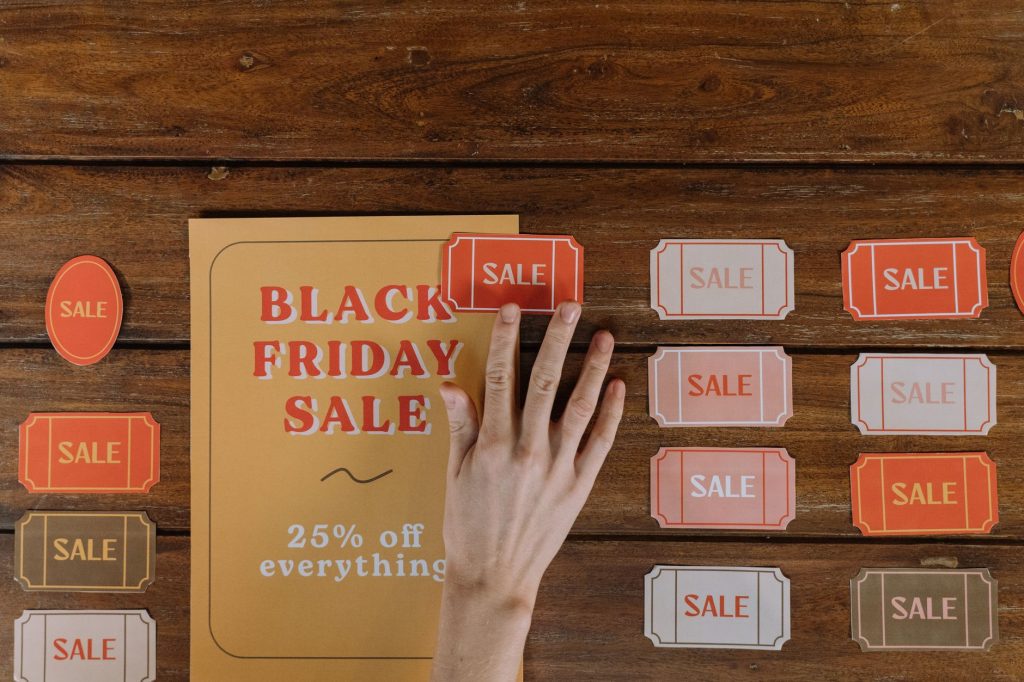
- Clear and actionable, using persuasive language that encourages immediate response.
- Visually prominent, using contrasting colors, bold typography, or graphic elements to stand out.
- Accompanied by relevant contact information or instructions for easy follow-up and engagement.
Make it as easy as possible for your audience to respond to your flyer and take advantage of your technology products or services.
Optimize For Print And Digital Distribution
Consider the format and distribution channels for your technology business flyer. Whether you’re printing physical copies for distribution at events and trade shows or sharing digital versions via email, social media, or your website, ensure that your flyer is:
- Designed in the appropriate dimensions and resolution for high-quality printing and digital display.
- Saved in a format that is compatible with a variety of devices and platforms, such as PDF or JPEG.
- Optimized for readability and visual impact across different screen sizes and viewing environments.
By optimizing your flyer for both print and digital distribution, you can maximize its reach and effectiveness in connecting with your target audience.
What file formats should I use for my technology flyer?
Design your flyer in vector formats like .AI, .EPS, or .SVG for scalability, and export final versions as high-resolution PDFs for printing and JPEGs for digital distribution.
How do I make my tech flyer stand out?
Use sleek futuristic themes, high-tech imagery like circuit patterns, clear product highlights, authentic testimonials, and a prominent call-to-action.
Conclusion
Crafting a compelling technology business flyer requires a strategic blend of creativity, innovation, and effective communication. By defining clear objectives, choosing a compelling visual theme, highlighting key products or services, incorporating social proof, creating a clear call-to-action, and optimizing for print and digital distribution, you can create a flyer that captures attention, communicates value, and drives engagement with your technology business. Remember to test different designs, messaging, and distribution channels to optimize the effectiveness of your flyer campaign and achieve your business objectives.


