Indian Independence Day Graphic Post
 VECTOR SOURCE
Asset Overview & Description
Indian Independence Day is a momentous occasion that commemorates the nation’s liberation from colonial rule and celebrates its rich cultural heritage and diversity. As the nation unites in patriotic fervor on this auspicious day, social media platforms serve as a powerful medium for expressing solidarity and spreading positivity. In this guide, we explore the art of crafting captivating graphic posts for Indian Independence Day, igniting the spirit of patriotism and unity across digital landscapes.
What are the key facts about Indian Independence Day?
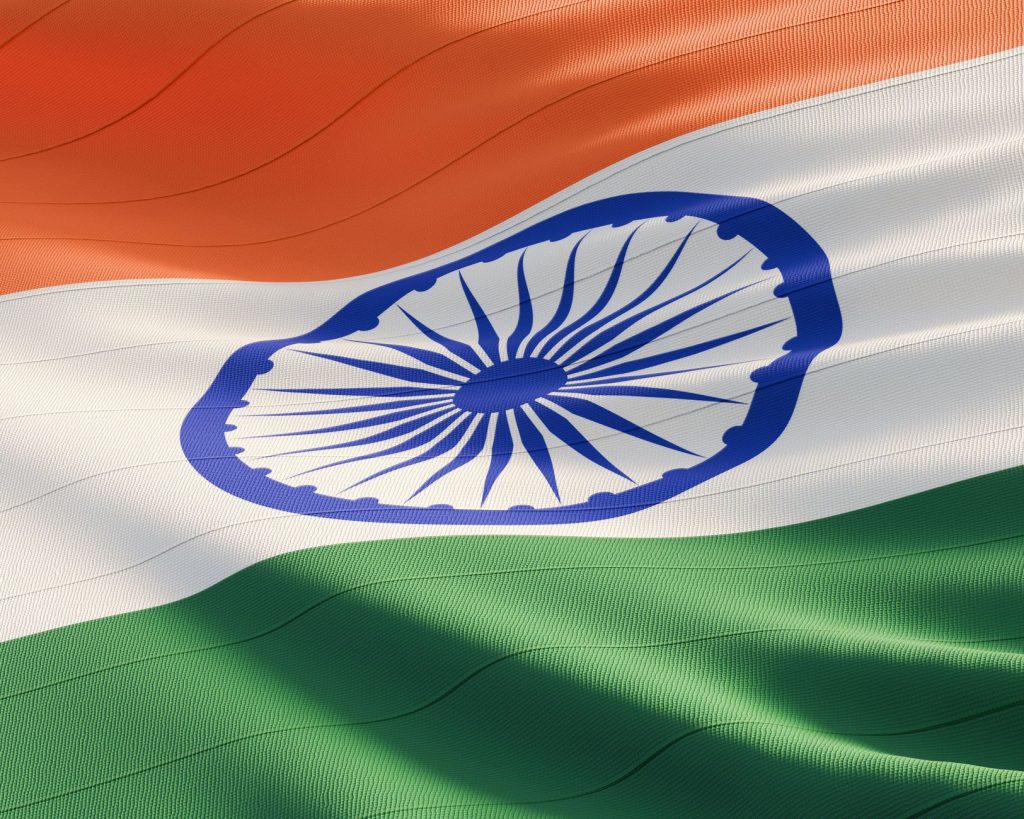
Occasion: Commemorates India’s liberation on August 15, 1947. Visual Themes: Tricolor tributes, freedom fighters, and cultural heritage. Engagement: Leveraging targeted hashtags and impactful captions to maximize reach.
Asset Feature Specification & Details
Design Formats Templates available in .AI, .EPS, .SVG, and high-res .PNG Recommended Software Adobe Photoshop, Canva, Pixlr Primary Channels Facebook, Instagram, Twitter, LinkedIn
What is the significance of Indian Independence Day?
Historical Context: A brief overview of the historical events leading to India’s independence on August 15, 1947 provides deeper meaning to digital creative work. Cultural Significance: Exploring the cultural importance of Independence Day celebrations and their resonance with the Indian populace helps designers connect authentically with their audience.
What are the best design themes for Independence Day?
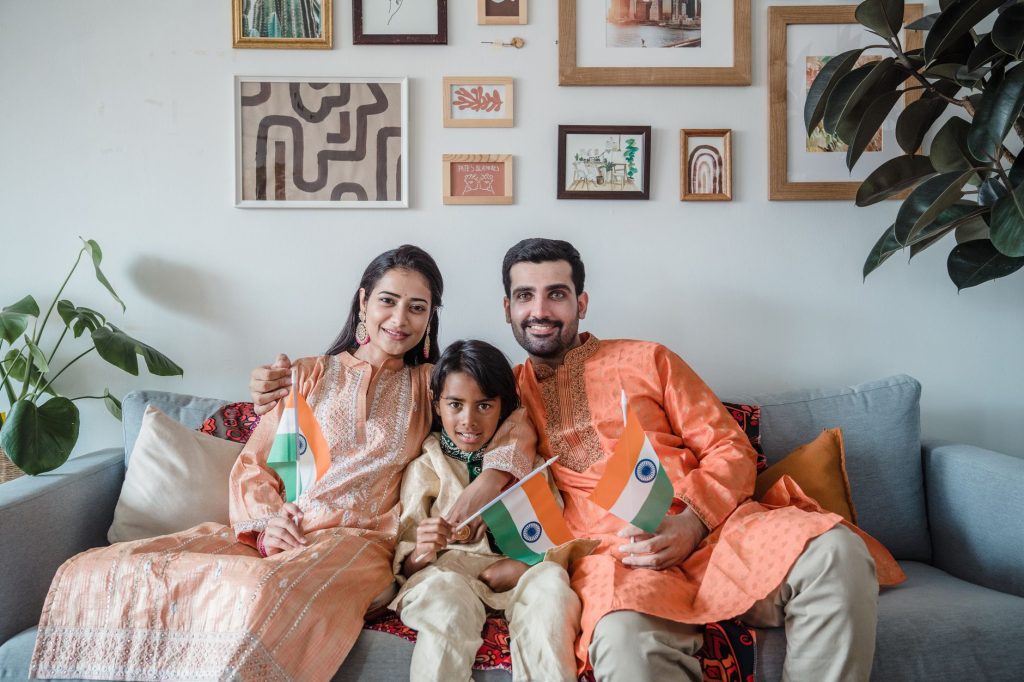
Tricolor Tribute: Ideas for incorporating the Indian flag’s colors—saffron, white, and green—into balanced graphic designs. Freedom Fighters: Honoring the sacrifices of India’s freedom fighters through powerful imagery and thoughtful quotes. Cultural Heritage: Showcasing India’s diverse cultural heritage through vibrant illustrations of dance forms, monuments, and traditional attire.
When working with the Indian tricolor palette, maintain generous amounts of white space to keep your composition clean, readable, and modern.
How do I design compelling Indian Independence Day posts?
Visual Elements Utilize eye-catching visuals including illustrations, photographs, and icons to convey the true essence of Independence Day. Engaging Captions Craft compelling captions that evoke genuine emotions of pride, unity, and patriotism. Hashtags and Tagging Leverage relevant hashtags such as #Independencedayindia and tag influential personalities and organizations to amplify reach.
Which tools help create Indian Independence Day graphics?
Design Software: Overview of popular graphic design tools like Adobe Photoshop, Canva, and Pixlr for creating visually stunning graphics. Stock Image Libraries: Accessing free and premium stock image libraries for high-quality photographs and illustrations. Online Design Platforms: Exploring user-friendly online design platforms offering pre-designed templates and customization options.
Showcasing Your Independence Day Posts
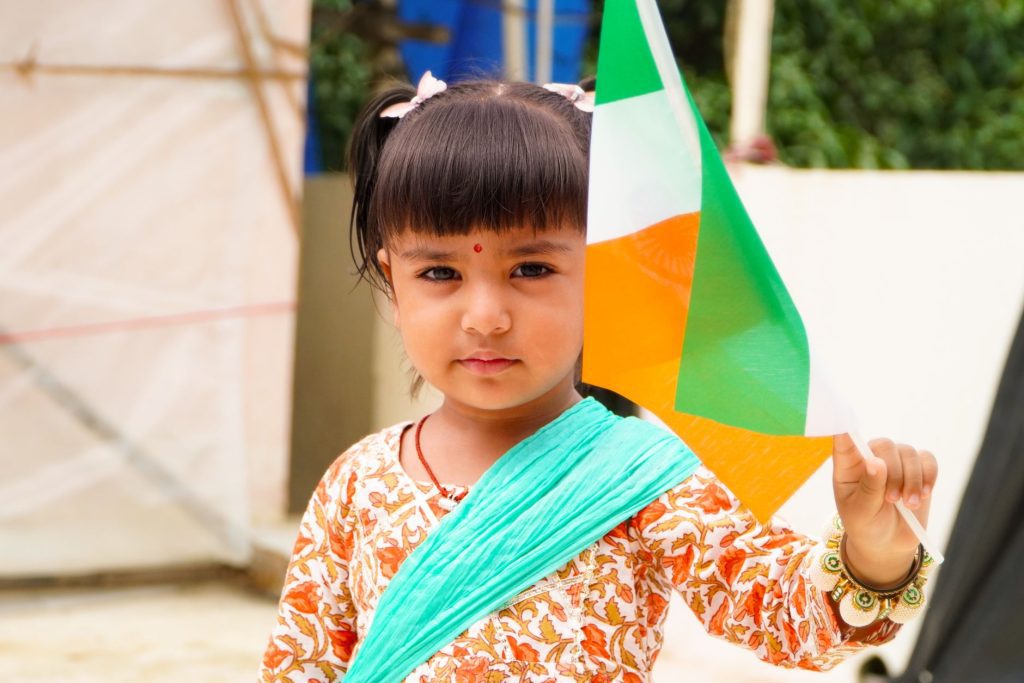
Social Media Platforms: Tailoring graphic posts for different social media platforms including Facebook, Instagram, Twitter, and LinkedIn. Content Calendar: Strategizing post timings and frequency to maximize engagement and reach. Community Engagement: Encouraging user-generated content and fostering community engagement through interactive contests and challenges.
Technical Vector Preparation and Print Guidelines
When creating assets for Indian Independence Day campaigns that will transition from digital screens to physical print formats like banners, flyers, or hoarding boards, proper technical preparation is essential. Vector files such as .SVG, .EPS, and .AI allow designers to scale artwork infinitely without any loss in clarity or crispness.
- Color Modes: For digital distribution on Instagram or Facebook, utilize the RGB color profile. When preparing files for commercial printing (flyers, brochures, billboards), convert your palette to CMYK to ensure color fidelity between your monitor and the final printed output.
- Resolution Standards: Maintain a minimum resolution of 300 DPI for all print assets, while 72 DPI is optimal for fast-loading web graphics and mobile feeds.
- Layer Management: Organize your vector workspace with clearly labeled groups—separating background gradients, typography layers, vector motifs (such as the Ashoka Chakra), and brand logo placements for seamless editing.
Color Psychology and Typography Pairings for Patriotic Designs
Effective graphic design relies heavily on strategic color choices and readable typography. The Indian national flag palette carries deep psychological resonance:
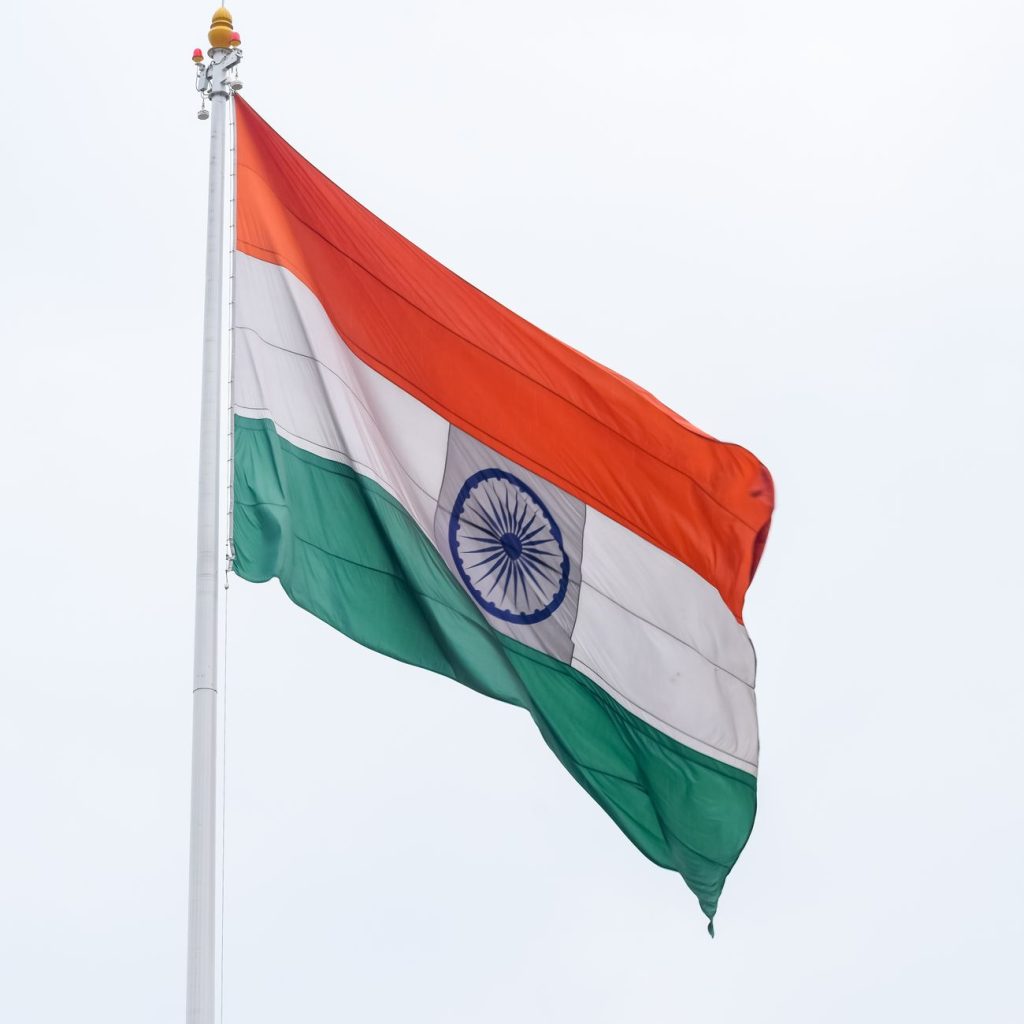
- Saffron (Kesari): Represents courage, sacrifice, and the spirit of renunciation. Use it as an attention-grabbing accent or vibrant background gradient.
- White: Symbolizes truth, peace, and purity. Incorporating adequate white space prevents visual clutter and modernizes traditional layouts.
- Green: Denotes fertility, growth, and auspiciousness of the land. It provides a grounding contrast against the warm saffron hue.
For typography, pair bold, stately serif fonts (representing heritage and tradition) with clean, minimalist sans-serif fonts for subheadings and body copy to maintain modern readability across mobile devices.
Comprehensive Technical Specifications
| Parameter | Digital Social Media Spec | Print & Merchandising Spec |
|---|---|---|
| File Format | PNG, JPEG, MP4 (Animated) | AI, EPS, PDF, High-Res TIFF |
| Color Profile | sRGB | CMYK (FOGRA39 or SWOP) |
| Resolution | 72 – 150 DPI | 300 DPI Minimum |
| Software Compatibility | Adobe Illustrator, Canva, Figma | Adobe Illustrator, CorelDraw, InDesign |
Step-by-Step Customization Guide
- Download the Template: Access your preferred vector or graphic template from GDGraphic in .AI, .EPS, or Canva format.
- Unpack and Inspect Layers: Open the file in your vector editor of choice and inspect the layer panel to understand the structure.
- Insert Branding Elements: Replace placeholder logos, website URLs, or social media handles with your organization’s verified branding.
- Adjust Color Accents: Fine-tune the tricolor hues to align with your corporate identity guidelines while respecting national emblem representation rules.
- Export and Publish: Export your finalized creative in the required format for targeted social channels or print production.
Conclusion
As India celebrates its independence, let us harness the power of graphic design to inspire, unite, and ignite the flames of patriotism. By crafting compelling graphic posts that resonate with audiences across digital platforms, we honor the sacrifices of our forefathers and reaffirm our commitment to a brighter, more inclusive future for all Indians. Happy Independence Day! Jai Hind!
Frequently Asked Questions
Are the Indian Independence Day graphics on GDGraphic free to use?
Yes, all standard templates, vector illustrations, and digital assets provided on GDGraphic are free for personal and commercial design projects.
What software do I need to edit vector templates like .AI and .EPS files?
You can edit vector files using professional software such as Adobe Illustrator, CorelDraw, Inkscape, or compatible vector editing tools.
How can I ensure my Independence Day social media post stands out?
Focus on clean typography, balanced tricolor contrast, authentic cultural motifs, and engaging captions paired with relevant hashtags like #Independencedayindia.
Can I use these graphics for commercial client projects or business branding?
Absolutely! Our design assets are curated to empower freelancers, agencies, and small businesses to deliver stunning promotional campaigns efficiently.
| File Formats | .AI (Adobe Illustrator), .EPS (Vector), .SVG, .PNG Preview |
|---|---|
| Resolution / Quality | Vector Scalable (Infinite Resolution) • 300 DPI Print Ready |
| Layer Organization | Fully Layered, Organized Groups, Editable Text & Vectors |
| Commercial License | 100% Free Forever (Personal & Commercial) |
| Compatibility | Adobe Illustrator, Photoshop, Figma, CorelDraw, Inkscape, Affinity Designer |


