Super Delicious Food Menu Post Design
 VECTOR SOURCE
Asset Overview & Description
Crafting a super delicious food menu in the digital age requires a visually stunning and enticing approach. A well-crafted food menu post has the power to captivate audiences and inspire cravings with its mouthwatering imagery and compelling descriptions. From savory starters to decadent desserts, each dish showcased in a food menu post should evoke a sense of anticipation and leave viewers eager to indulge in a culinary feast. Join us at GD Graphic as we explore the art of crafting a super delicious food menu post that tantalizes taste buds and invites followers on a gastronomic journey of epic proportions.
Key Highlights & Fast Facts
- Visual Appeal: High-quality, natural-light photography makes dishes stand out on social media.
- Sensory Copywriting: Evocative descriptions make viewers feel like they can taste the food through the screen.
- Interactive Engagement: Using polls, quizzes, and clear calls-to-action drives customer reservations and orders.
What makes a Super Delicious Food Menu so alluring?
In a world where social media feeds are filled with tantalizing food imagery, a well-crafted menu post stands out by offering more than just a list of dishes—it tells a story, evokes emotions, and stirs up cravings with its irresistible offerings. Whether it’s a mouthwatering burger, a vibrant salad, or a decadent dessert, each dish showcased in a food menu post should be presented in a way that highlights its unique flavors, textures, and visual appeal.
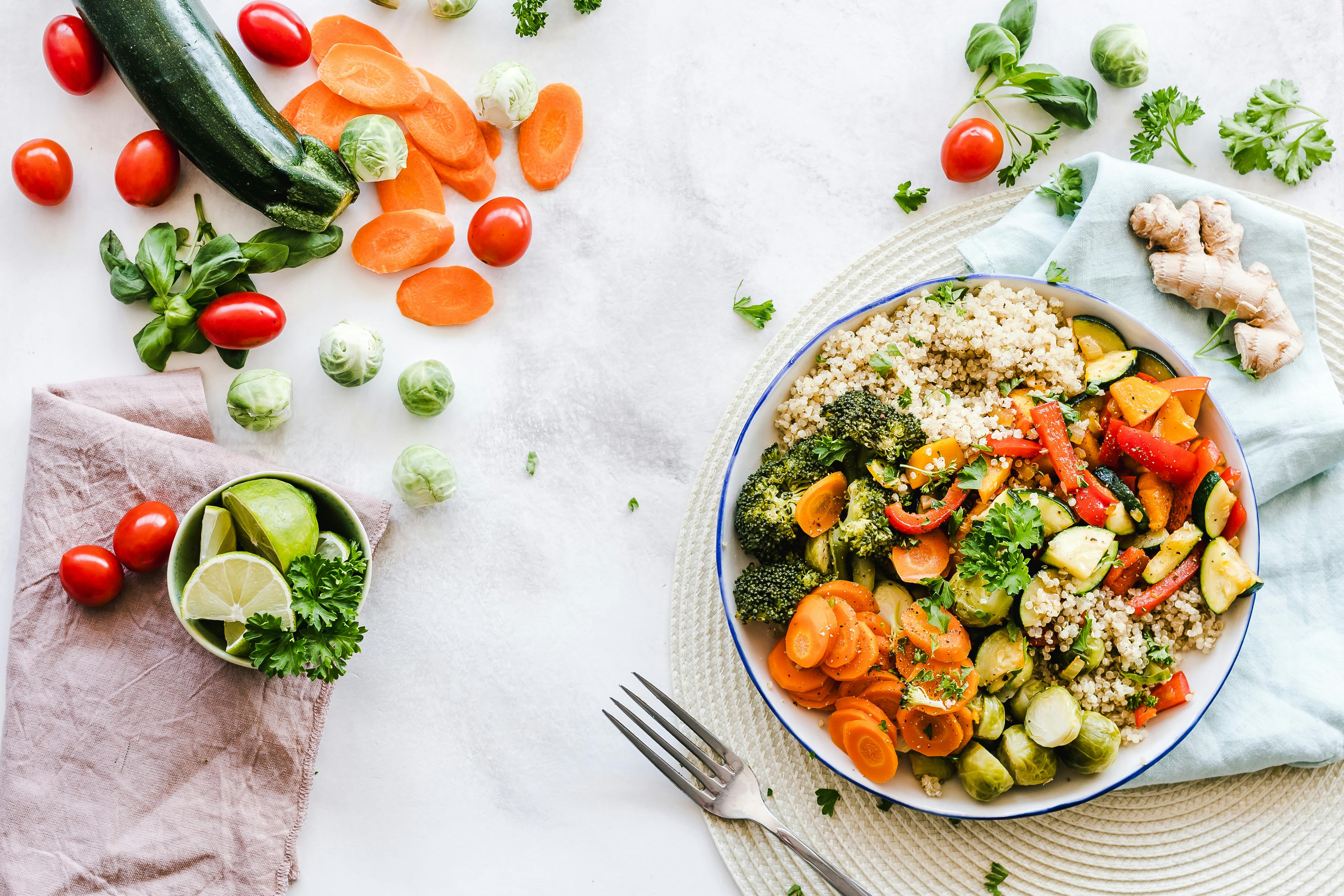 Photo by Valeria Boltneva on Pexels
What are the key ingredients of a Super Delicious Food Menu?
To create a food menu post that captivates audiences and leaves them craving more, consider incorporating the following key ingredients:
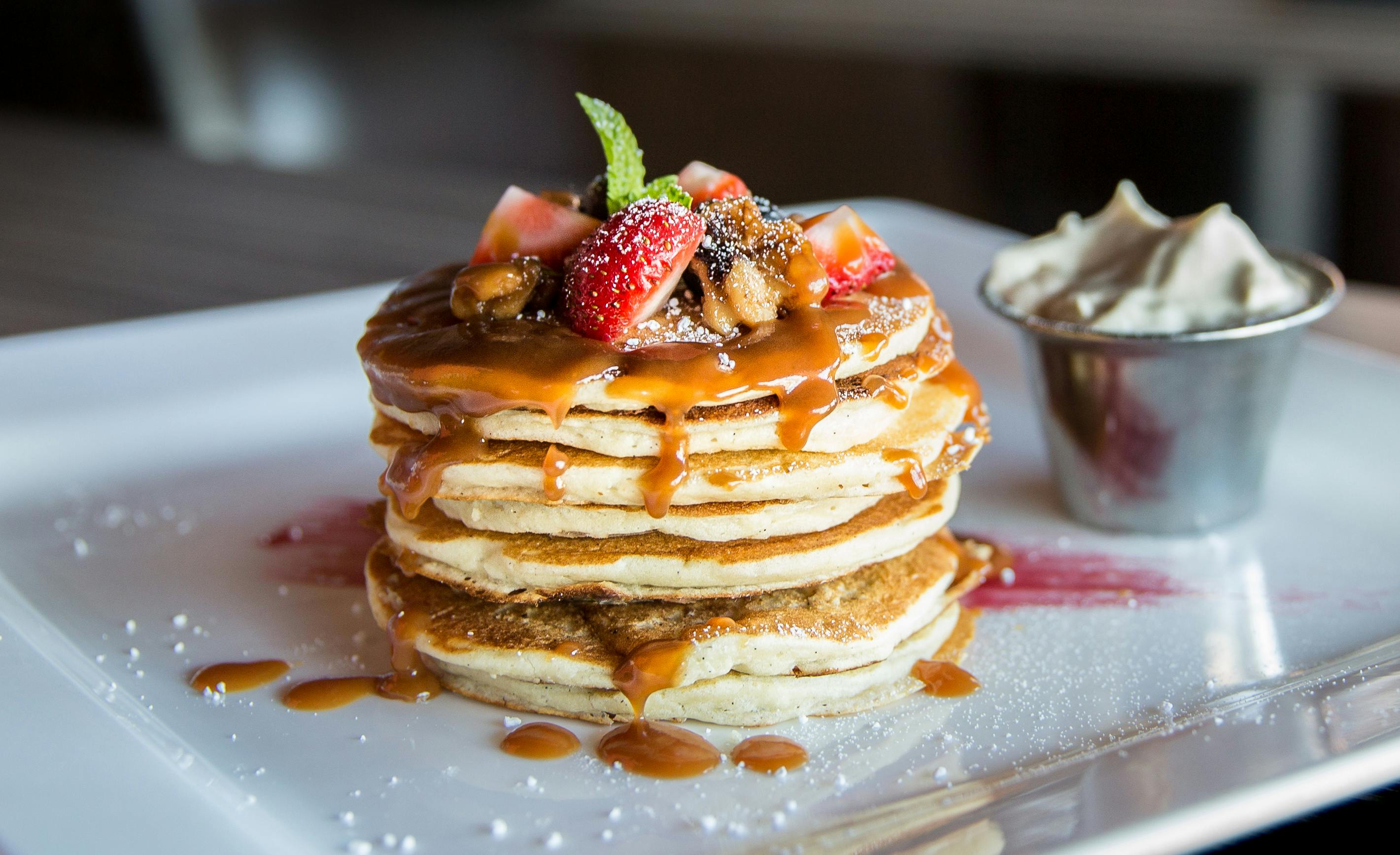 Photo by Valeria Boltneva on Pexels
- Eye-Catching Imagery: Start with high-quality, appetizing images of the dishes featured on the menu. Use natural light and clean, minimalist backgrounds to allow the colors and textures of the food to shine.
- Mouthwatering Descriptions: Accompany each image with a descriptive caption that highlights the key ingredients, flavors, and preparation techniques of the dish. Use evocative language to engage the senses and make viewers feel as though they can almost taste the dish through the screen.
- Engaging Format: Present the menu in a visually appealing and easy-to-read format that showcases each dish’s name, description, and price. Experiment with different layouts and designs to create a post that grabs attention and encourages viewers to explore further.
- Interactive Elements: Encourage interaction and engagement by incorporating interactive elements such as polls, quizzes, or questions about viewers’ favorite dishes. This not only increases engagement but also provides valuable insights into viewers’ preferences.
- Call-To-Action: End the post with a clear call-to-action that prompts viewers to take action, whether it’s visiting the restaurant’s website, making a reservation, or placing an order for delivery or takeout.
| Feature | Specification |
|---|---|
| Recommended File Formats | .AI, .EPS, .SVG, .PNG |
| Platform Compatibility | Instagram, Facebook, Pinterest, Website |
| Design Assets Needed | Free templates, high-res mockups, icons |
Advanced Vector Preparation & CMYK Print Guidelines
When transitioning your digital super delicious food menu design from screen to print or scaling across multiple social media dimensions, vector accuracy is paramount. Using vector formats (.EPS, .AI, .SVG) ensures that your typography, borders, and graphic badges remain razor-sharp at any scale—from a tiny mobile screen thumbnail to a massive restaurant window poster.
For printed menus, always convert your color space from RGB to CMYK to prevent unexpected hue shifts, ensuring that rich reds, vibrant greens, and golden crusts look just as appetizing in physical print as they do on digital devices.
Organize your vector layers logically, separating backgrounds, typography, image masks, and vector embellishments into distinct folders to streamline future edits and client approvals.
Color Psychology and Typography Pairings for Food Design
Color choices profoundly influence appetite and consumer purchasing behavior. Warm tones like crimson red, burnt orange, and sun-kissed yellow stimulate excitement, urgency, and hunger, making them ideal accent colors for highlighting chef specials or limited-time offers. Conversely, earthy greens and rustic browns convey organic freshness, sustainability, and wholesome farm-to-table quality. When pairing typography for a super delicious food menu, balance an ornate, high-contrast script font for headers and dish titles with a clean, highly legible sans-serif or humanist serif font for body text, ingredient lists, and pricing. This ensures optimal readability whether customers are browsing on a bright smartphone screen outdoors or reading a dimmed-room restaurant menu.
How do you craft a Super Delicious Food Menu post?
Now let’s walk through the step-by-step process of crafting a super delicious food menu post for your audience:
 Photo by Tino Frappucino on Pexels
- Select Featured Dishes: Choose a selection of dishes from the menu that represent the restaurant’s culinary offerings and showcase its signature flavors and specialties.
- Capture Appetizing Images: Take high-quality photos of each dish, making sure to capture its presentation, colors, and textures in a way that makes viewers’ mouths water.
- Write Compelling Descriptions: Craft descriptive captions for each image that highlight the dish’s unique qualities and appeal to viewers’ senses of taste and smell.
- Design the Post: Arrange the images and captions in a visually appealing layout using free templates that draw viewers’ attention and encourage them to explore the menu further.
- Add Interactive Elements: Consider adding interactive elements such as polls or questions to encourage engagement and interaction with the post.
- Include a Call-To-Action: End the post with a clear call-to-action that prompts viewers to take the next step, whether it’s visiting the restaurant, ordering online, or making a reservation.
Software Compatibility and Cross-Platform Workflows
Modern freelance designers and small business owners utilize a diverse array of design applications. GD Graphic assets and templates are fully compatible with industry-standard software suites including Adobe Illustrator, Adobe Photoshop, Figma, and CorelDraw. If you prefer vector manipulation and precise layout control, Illustrator and CorelDraw allow seamless path editing and typography scaling. For rapid social media mockups, photo retouching, and quick template adjustments, Photoshop and Figma provide robust layer styles and cloud-collaboration tools. By maintaining clean vector paths and non-destructive smart objects, you can easily repurpose your super delicious food menu layout into Instagram carousels, Facebook banners, email newsletters, and physical take-out flyers in a matter of minutes.
Conclusion
In conclusion, crafting a super delicious food menu post is all about showcasing the restaurant’s culinary offerings in a way that captivates audiences and inspires cravings. By incorporating mouthwatering imagery, engaging descriptions, and interactive elements, you can create a post that not only highlights the restaurant’s menu but also invites viewers on a gastronomic adventure they won’t soon forget. So fire up the camera, plate up your most enticing dishes, and get ready to tempt taste buds and tantalize viewers with a super delicious food menu post that leaves them hungry for more.
Frequently Asked Questions
Are GD Graphic food menu templates completely free to use?
Yes! All our vector templates, design assets, and layout guides are completely free for both personal and commercial projects, helping freelancers and small business owners elevate their branding without breaking the budget.
What software do I need to edit these templates?
Our templates are compatible with major design platforms including Adobe Illustrator, Adobe Photoshop, Figma, and CorelDraw, featuring clean layers and fully editable vector elements.
How can I optimize my food menu post for Instagram and Facebook?
Ensure your primary visual elements and dish titles occupy the center of the frame, use high-contrast appetizing photography, and adhere to recommended aspect ratios (1:1 for square posts or 4:5 for vertical portraits) to maximize feed visibility.
Should I use CMYK or RGB color modes for my menu design?
Use RGB color mode if your menu post is destined exclusively for digital displays, social media feeds, and websites. Switch to CMYK color mode only when exporting high-resolution files intended for professional commercial printing.
| File Formats | .AI (Adobe Illustrator), .EPS (Vector), .SVG, .PNG Preview |
|---|---|
| Resolution / Quality | Vector Scalable (Infinite Resolution) • 300 DPI Print Ready |
| Layer Organization | Fully Layered, Organized Groups, Editable Text & Vectors |
| Usage License | 100% Free Forever (Personal & Commercial Projects) |
| Compatibility | Adobe Illustrator, Photoshop, Figma, CorelDraw, Inkscape, Affinity Designer |


